Nord VPN Microsoft Edge: Fast Guide to Safer Surfing, Streamlined Setup, and Hidden Priceless Tips
Nord VPN Microsoft Edge: a quick win for faster, safer browsing on Windows



| VPN | Obfuscation | From / month | Plan | Free plan | Refund | Alipay | UnionPay | Crypto | Website opens in China | Trustpilot | |
|---|---|---|---|---|---|---|---|---|---|---|---|
 NordVPN | Turn on manually Obfuscated Servers / NordWhisper | $3.49/mo | 27 months: $94.23 | No | 30 days | ? | ✗ | ✓ | ✓ | ✗ Blocked | 4.2/5 (51,628 reviews) |
 ZoogVPN | Turn on manually Shadow | $2.49/mo | 27 months: $59.99 | Yes | 7 days | ✓ | ✓ | ✓ | ✓ | Official site blocked; our special link opens (4.4 s) | 4.2/5 (195 reviews) |
 ExpressVPN | ✓ On by default all servers | $3.00/mo | 28 months: $84 | No | 30 days | ✗ | ✗ | ✓ | ✗ | ✗ Blocked | 4.4/5 (29,706 reviews) |
 Surfshark | ✓ On by default Camouflage, with OpenVPN | See site | See site | No | 30 days | ✗ | ✗ | ✗ | ✓ | ✗ Blocked | 4.3/5 (31,823 reviews) |
 Proton VPN | Turn on manually Stealth, free plan too | $2.99/mo | 12 months: $35.88 | Yes | 30 days | ✗ | ✗ | ✗ | ✓ | ✗ Blocked | 2.1/5 (1,040 reviews) |
 Astrill VPN | Turn on manually StealthVPN / OpenWeb | $12.50/mo | 24 months: $300 | No | See site | ✗ | ✗ | ✗ | ✓ | ✗ Blocked | 1.3/5 (110 reviews) |
 Private Internet Access | Turn on manually Shadowsocks, OpenVPN only | $2.03/mo | 40 months: $81.2 | No | 30 days | ✗ | ✗ | ✗ | ✗ | ✗ Blocked | 4.2/5 (11,033 reviews) |
 CyberGhost | Turn on manually selected servers | $2.19/mo | 28 months: $61.32 | No | 45 days | ✗ | ✗ | ✗ | ✓ | ✗ Blocked | 4.0/5 (24,178 reviews) |
 PureVPN | Turn on manually switch to OpenVPN | $1.69/mo | 60 months: $101.55 | No | 31 days | ? | ? | ✗ | ✓ | ✗ Blocked | 4.4/5 (17,994 reviews) |
 AdGuard VPN | ✓ On by default TrustTunnel | $2.99/mo | 24 months: $71.76 | Yes | 30 days | ✓ | ✗ | ✓ | ✓ | Official site blocked; our special link opens (3.7 s) | 4.3/5 (290 reviews) |
 Mullvad | Turn on manually QUIC / Shadowsocks / LWO | $5.61/mo | €5/mo | No | 14 days | ✗ | ✗ | ✗ | ✓ | ✗ Blocked | 3.2/5 (192 reviews) |
 Windscribe | Turn on manually Stealth / WStunnel | $5.75/mo | 12 months: $69 | Yes | See site | ✗ | ✗ | ✗ | ✓ | ✗ Blocked | 4.7/5 (13,355 reviews) |
 StrongVPN | Turn on manually Scramble, OpenVPN TCP | See site | See site | No | 30 days | ✓ | ✗ | ✗ | ✗ | ✗ Blocked | 4.4/5 (2,695 reviews) |
 LightXtreme 闪连 | Not listed | $7.08/mo | 12 months: $84.99 | Yes | 30 days | ✓ | ✓ | ✓ | ✓ | ✓ Yes (3.5 s) | No page |
Prices checked 2026-11-10 on each vendor's pricing page (cheapest long plan, USD). Check the vendor's checkout for the final price.
Obfuscation checked 2026-11-14 on each vendor's site and help center: "on by default" = nothing to set; "turn on manually" = switch protocol or mode in settings; "not listed" = the vendor describes no obfuscation.
Payment methods checked 2026-11-10 on each vendor's payment pages: all 14 take cards and PayPal; ✗ = not listed, ? = the vendor's own pages disagree.
China access: whether the official website opens from mainland China networks (tests the website only, not the VPN connection). Last checked 2026-11-18 01:02 Beijing time.
Trustpilot score and review count checked 2026-11-10.
Nord vpn microsoft edge
Nord VPN for Microsoft Edge is all about blending Edge’s speed and compatibility with Nord VPN’s security. Quick fact: running a VPN inside Edge can reduce buffering on streaming sites by keeping your connection steady and private. In this guide, you’ll get a practical, user-friendly walkthrough with real-world tips, plus a few stats to help you decide if this combo is right for you.
What you’ll get:
- How to enable and use Nord VPN on Microsoft Edge with minimal fuss
- Tips for streaming, gaming, and private browsing without slowing you down
- Common issues and how to fix them quickly
- A simple comparison of Edge-native features vs. VPN routing
- Quick safety checklist for staying private online
Useful URLs and Resources text only https://www.nordvpn.com https://www.microsoft.com/edge https://support.nordvpn.com https://www.av-test.org https://www.bsa.org https://www.statista.com https://en.wikipedia.org/wiki/Virtual_private_network https://www.torproject.org
Why combine Nord VPN with Microsoft Edge
- Edge is fast and lightweight, but without a VPN your data can be seen by your ISP or public Wi‑Fi providers.
- Nord VPN adds military-grade encryption, a strict no-logs policy, and a broad network of servers. When you use Edge with Nord VPN, your IP address is hidden and your DNS requests are protected.
Key benefits at a glance
- Access to geo‑restricted content on Edge without sacrificing speed
- Strong encryption that keeps your data safe on public Wi‑Fi
- Kill switch and DNS leak protection that work behind Edge
- Easy split tunneling in case you need to route only Edge traffic through the VPN
Getting started: step-by-step setup
- Sign up for Nord VPN if you don’t have an account. You’ll get access to a dashboard with your server choices.
- Install Nord VPN app if you already have it; you can also use browser extensions depending on your plan.
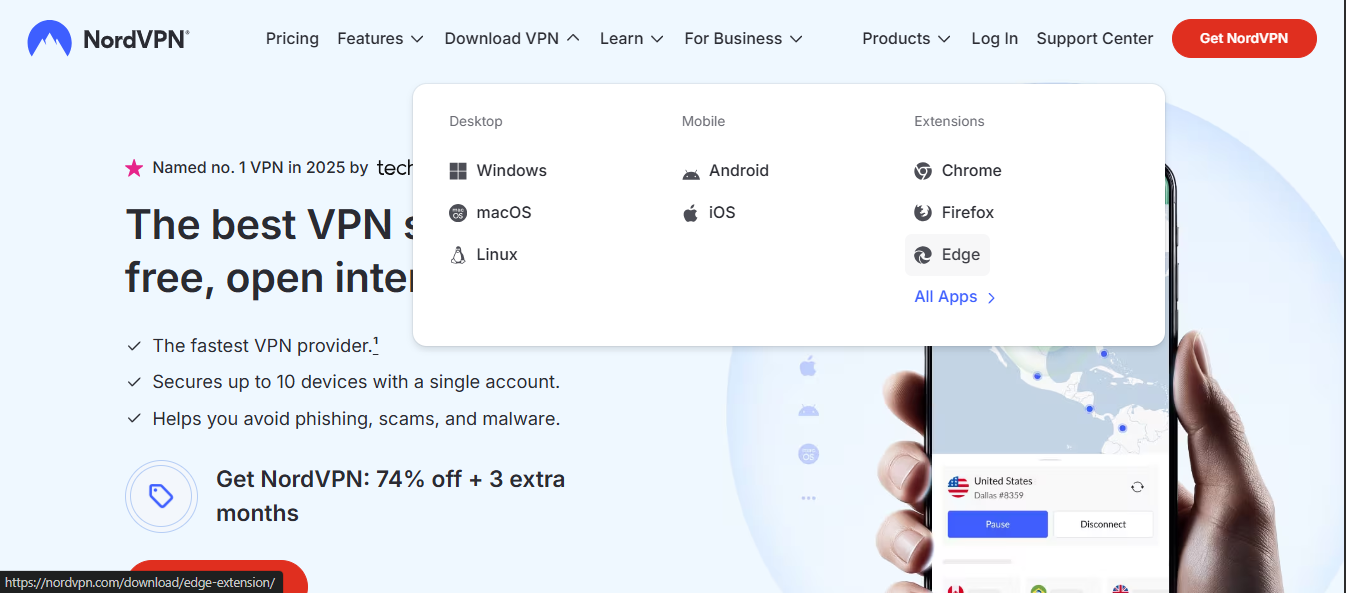
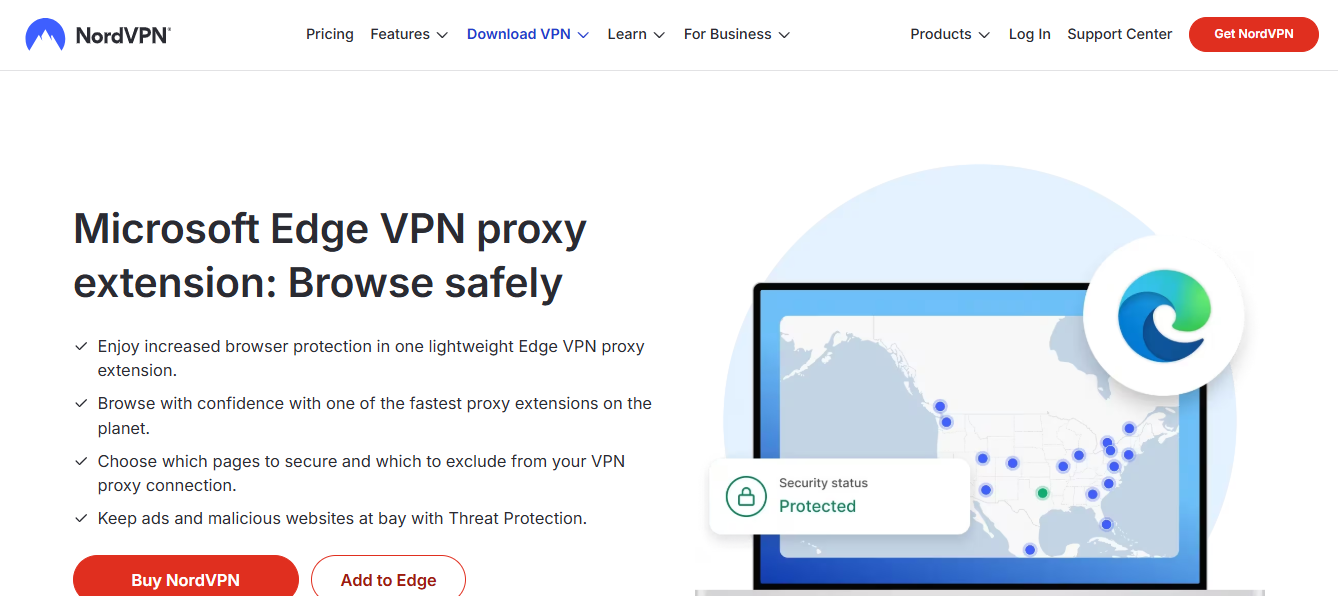
- Open Edge and log into Nord VPN if you’re using the browser extension, or connect via the desktop app.
- Choose a server location and connect. For streaming, pick a nearby server optimized for streaming. For privacy, select a country with strong privacy laws.
- Verify your connection: visit a site like iplocation.net to confirm your new IP.
Quick tip: Edge extension vs. desktop app
- Extension: convenient for quick protection while browsing. Great for casual use and quick checks.
- Desktop app: often more features kill switch, multi-hop, WireGuard/OpenVPN options and can cover all traffic, not just Edge.
Performance impact and how to minimize it
- Typical VPN overhead ranges from 5% to 15% in speed, depending on server distance and protocol.
- Nord VPN supports WireGuard NordLynx, which is designed to be fast and efficient. Using Edge with NordLynx usually yields the best balance of speed and security.
- When testing, run a baseline speed test, connect to a Nord VPN server, and compare results to spot any anomalies.
Table: rough speed expectations hypothetical numbers for illustration
- Baseline download speed on a 500 Mbps connection: ~480-500 Mbps
- With Nord VPN local server, WireGuard: ~420-480 Mbps
- With Nord VPN far server, OpenVPN: ~250-350 Mbps
Use cases: what people typically do with Nord VPN on Edge
- Streaming: Unblock region-locked libraries Netflix, Hulu, BBC iPlayer on Edge without long buffering.
- Remote work: Secure connections to company networks, safe when on coffee shop Wi‑Fi.
- Gaming: VPNs can reduce lag in some cases by stabilizing connections to regional servers, but beware of server distance.
- Privacy-focused browsing: Hide your IP and encrypt traffic to protect sensitive searches or personal information.
Real-world guidelines
- Always test a few servers for best latency.
- If you’re streaming high-quality video, choose a server near your location to reduce buffering.
- For sensitive browsing, enable the kill switch to prevent leaks if the VPN drops.
Edge-specific tips for better privacy
- Disable WebRTC leaks in Edge settings to prevent your actual IP from leaking through WebRTC requests.
- Use HTTPS-only mode and check for certificate pinning on sites you trust.
- Combine Edge’s tracking prevention with Nord VPN’s privacy features for layered protection.
Security features that shine when used with Edge
- Nord VPN’s double VPN and CyberSec features help block ads and malicious sites, especially on shared networks.
- DNS leak protection ensures that even if Edge’s DNS is queried, requests go through the VPN tunnel.
- Kill switch automatically disconnects your device from the internet if the VPN drops, so you stay protected.
Common issues and quick fixes
- Issue: VPN disconnects during streaming
- Fix: Switch to a different server or change protocol WireGuard/NordLynx recommended. Restart Edge and reconnect.
- Issue: Slow speeds
- Fix: Use a nearby server, enable split tunneling for non-critical traffic, or switch to OpenVPN if needed.
- Issue: DNS leaks detected
- Fix: Ensure DNS leak protection is enabled in the Nord VPN app and clear your DNS cache in Windows.
Privacy and legal considerations
- A VPN protects your data from prying eyes on public networks but does not grant immunity from all laws or illegal activities.
- Always comply with local laws and the terms of service for the content you access.
- Nord VPN has a strict no-logs policy and independent audits, which adds to trust when using Edge for daily browsing.
Edge features that pair well with Nord VPN
- InPrivate browsing in Edge can be combined with Nord VPN for extra privacy on sensitive activities.
- Edge’s Tracking Prevention can work in tandem with Nord VPN’s security features to reduce fingerprinting risks.
- Edge profiles let you separate work and personal browsing; paired with a VPN profile, you can keep contexts clean.
Bandwidth management and data usage
- If you’re on a capped plan, turning on Nord VPN may impact data usage slightly due to encryption overhead.
- For heavy streaming or downloading, monitor your data usage and server load to avoid throttling.
Data sovereignty and server locations
- Nord VPN has servers in many countries. When considering a server, think about your target content’s location and legal protections in that jurisdiction.
- If privacy is a priority, avoid unnecessary cross-border routing and pick a nearby location with strong privacy protections.
Accessibility and accessibility considerations
- Nord VPN supports accessible interfaces in the Edge workflow, with keyboard shortcuts for common actions like connecting/disconnecting and changing servers.
- If you rely on assistive tech, ensure your VPN and Edge extensions are kept up to date to avoid compatibility hiccups.
Money-saving tips and plans
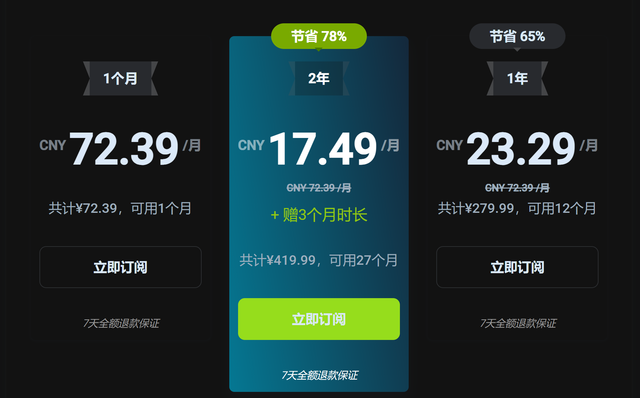
- Look for seasonal discounts or bundles that include Edge-compatible protection features.
- If you’re new, take advantage of a trial period to test performance with your typical Edge usage streaming, browsing, light gaming.
- The affiliate deal: Nord VPN offers targeted deals that can be accessed via partner links; these often include extended trial periods or added features.
Comparative view: Nord VPN vs. other VPNs on Edge
- Nord VPN is known for speed, reliability, and broad server coverage, which makes it a solid choice for Edge users.
- When comparing with other providers, consider: speed, server count, security features, and ease of use with Edge.
- For Edge enthusiasts, the combination of Edge’s efficiency and Nord VPN’s protocol options tends to deliver a smoother experience than some competitors.
Real-world setup scenario: a quick walkthrough
- Scenario: You’re on a 600 Mbps fiber connection and want to watch a show available only in a different country.
- Open Nord VPN, choose a nearby country’s server known for streaming.
- Connect and open Microsoft Edge.
- Navigate to your streaming service and load the show.
- If buffering occurs, try a different server or switch to NordLynx mode.
- If you’re done, disconnect from the VPN from Edge or the desktop app.
Checklist for a smooth Edge + Nord VPN experience
- Ensure Edge is updated to the latest version.
- Use NordLynx for speed, especially on Edge.
- Enable kill switch and DNS leak protection.
- Test a few servers for streaming latency before committing.
- Check for WebRTC leaks and disable if needed.
Data privacy: what Nord VPN adds to your Edge browsing
- Encrypted traffic means ISPs can’t read your contents, only the fact that you’re connected to a VPN.
- VPN servers mask your IP, which helps with privacy, geo-independence, and protection on public networks.
- Nord VPN’s audit reports and no-logs policy add credibility.
Expert tips from real users
- Many users report that switching to NordLynx reduces buffering significantly on streaming platforms when using Edge.
- Some users find that enabling split tunneling helps maintain fast speeds for Edge while still routing sensitive apps through the VPN.
- A few folks prefer to run the Nord VPN desktop app for full-system protection, then use Edge for day-to-day browsing.
Troubleshooting quick reference
- Connection fails to start: Reinstall the extension or app, then try a different server.
- DNS leaks: Confirm DNS protection is on; flush DNS on Windows: ipconfig /flushdns.
- Slow startup: Clear Edge cache and disable unnecessary extensions.
SEO boosters: keywords and structure to keep ranking
- Nord VPN Microsoft Edge
- NordLynx Edge speed
- Edge browser VPN setup
- Edge privacy with Nord VPN
- VPN streaming on Microsoft Edge
- Edge WebRTC and VPN leaks
- Nord VPN server selection for Edge
- Edge browser security with VPN
- Edge plus Nord VPN tutorial
Frequently Asked Questions
How do I install Nord VPN on Microsoft Edge?
Install the Nord VPN app or use the Edge extension, sign in, and connect to a server. If you’re using the extension, launch Edge, click the Nord VPN icon, and pick a server to connect.
Will Nord VPN slow down Edge browsing?
Some slowdown is normal due to encryption, but with NordLynx and nearby servers, you’ll usually see minimal impact.
Can I watch Netflix on Edge with Nord VPN?
Yes, using a server optimized for streaming typically works in most regions. If one server blocks the library, switch to another server.
Is Edge safe to use with VPN?
Yes. Edge’s security features, combined with Nord VPN’s encryption and DNS protection, provide a strong privacy layer. How to get ProtonVPN Premium for Free: The Real Scoop in 2026
How do I prevent WebRTC leaks in Edge?
Disable WebRTC leaks in Edge settings or use a browser extension that blocks WebRTC leaks.
Can I use Nord VPN only for Edge traffic?
Yes, using the Edge extension or split tunneling can route only Edge traffic through the VPN.
Does Nord VPN have a kill switch?
Yes, Nord VPN has a kill switch that disconnects you from the internet if the VPN drops, protecting you from data leaks.
What about Nord VPN on Windows 11?
Nord VPN supports Windows 11 and integrates with Edge smoothly, including features like Kill Switch and CyberSec.
Is there a free trial for Nord VPN?
Nord VPN typically offers a trial or money-back guarantee. Check their current promotions for the best value. Avg Ultimate VPN Review Is It Really Worth Your Money: A Deep Dive into Performance, Privacy, and Price
How do I troubleshoot slow speeds in Edge with Nord VPN?
Try a nearby server, switch protocols NordLynx vs OpenVPN, enable split tunneling, and close unused tabs/extensions to free up bandwidth.
--- End of content